
Fast Lane
Choose a finished video and jump straight to destinations. AI and the content editor stay optional.
Content distribution without platform chaos
Upload your finished video once, distribute it to your connected channels, and see in Qrietor whether it really went live and where it performs best.
No credit card · No automatic subscription
Sample data. No upload, credits used or publication.
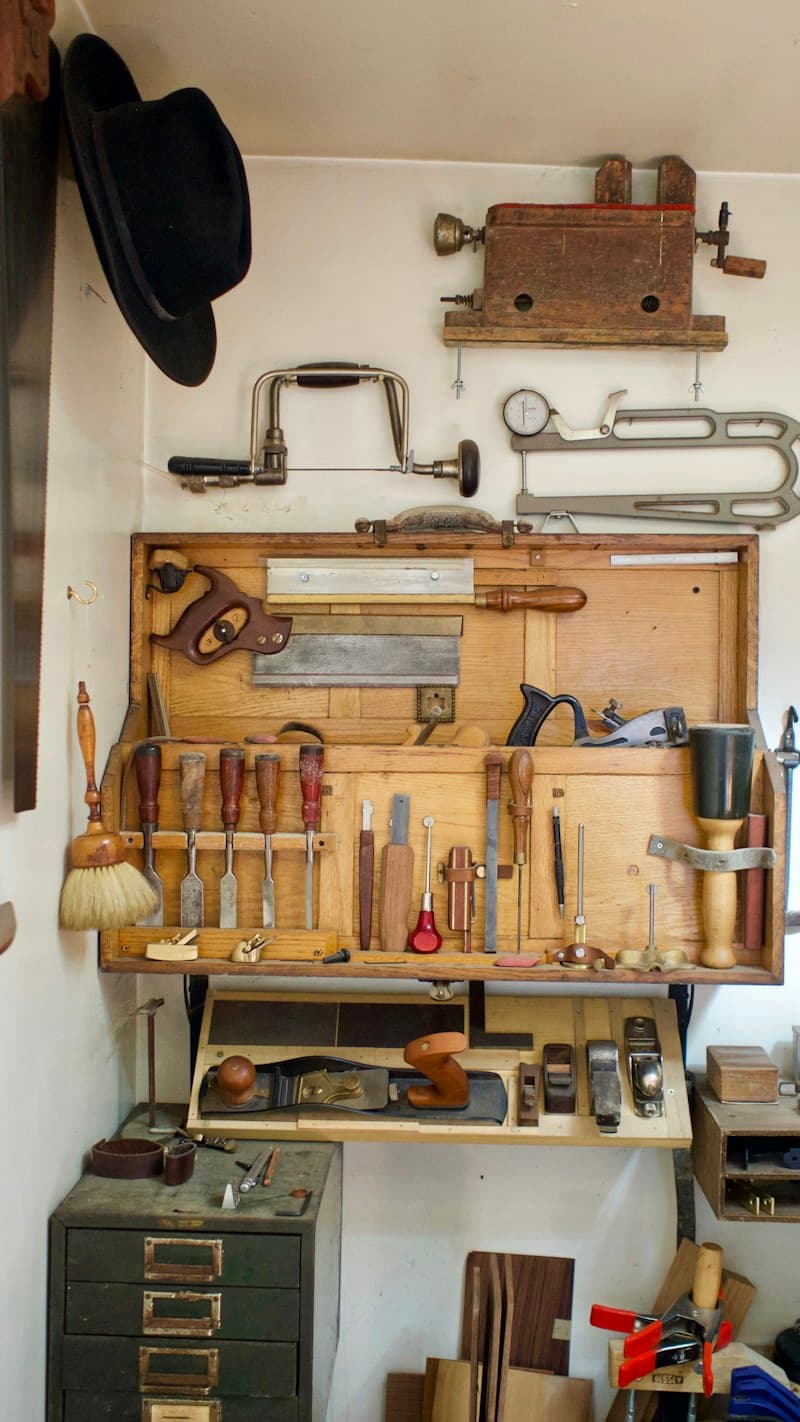
From the first idea to the finished piece. A look behind the scenes of our craft.
Choose a video, edit the copy, review the post. Try the three steps.
Not another social media manager
The focus is speed, reliability, and a clear view of how the same content performs across multiple platforms.
Choose a finished video and jump straight to destinations. AI and the content editor stay optional.
Qrietor does not stop at sent — it shows whether the platform actually confirms the post as published.
Tokens, connections, and provider access are checked before a broken account can derail a publish.
Compare the same video across platforms and immediately see where it wins.
Finished a Twitch stream? Qrietor can find highlights and prepare clips. You choose: review and approve first, or publish automatically.
Publishing, verification, stream clips, and performance come together in one clear workflow.
For your everyday work
Share your hobby or project. Start with one video and one channel.
Prepare your video once and adjust the post for your channels.
Show your shop, your work or your next product.
Available platforms
Connect your accounts and choose the destinations for each post. Twitch is also planned as a content source for Stream Autopilot.
Videos & Shorts
Video posts
Personal profiles, not company pages
Video posts
Reels for Business and Creator accounts
Reels for Facebook Pages
Video Pins on your boards
A content source rather than a publishing destination: find VOD highlights, prepare clips, then review first or distribute automatically. Early access.
Stream Autopilot is in early access and will only be enabled publicly after final Twitch configuration and dedicated stream-hour pricing are ready.
TikTok: API approval pending
These platforms are not publicly available yet.
Simple plans
Get 3 uploads and 3 AI uses once. Choose a plan only when you need more.
1 upload = one saved video, even for several channels.
1 AI use = one generation of copy suggestions such as a title, description and hashtags.
Stream Autopilot will not silently consume existing quotas: before public release, VOD processing will use a dedicated stream-hour allowance. Exact limits and pricing will be shown before you activate the feature.
27 €/ month
For your first regular posts
Currently up to 3 available destinations per post.
49 €/ month
For frequent publishing
Currently up to 5 available destinations per post.
99 €/ month
For more than 60 videos a month
Currently up to 7 available destinations per post.
40 more uploads and AI uses than Pro. Single account, without team access.
You are not subscribing to a paid plan here.
Monthly total prices include applicable VAT. Paid plans renew monthly and can be cancelled for the end of the billing period. Each plan is for one account; team access and multiple brands are not included. Full plan details
You get 3 uploads and 3 AI uses once. No subscription starts automatically. When you need more uploads or AI uses, you can choose a paid plan yourself.
A saved video uses one upload, regardless of how many channels you choose. Publishing it again does not use another upload.
AI uses the audio track and up to three selected video frames to create copy suggestions, such as a title, description and hashtags. It does not analyze every scene. You can edit the suggestions; check names and claims. Another successful generation uses another AI credit.
Regular uploads still publish after your confirmation. For Stream Autopilot, you separately choose whether clips must be reviewed and approved first or can publish automatically using your saved rules.
After a Twitch stream, Qrietor can use markers and stream signals to find interesting moments and prepare short clips. By default, you can review clips first. Fully automatic publishing is only enabled when you explicitly choose it. Stream-hour allowances and limits will be shown separately before public launch.
Paid plans run for one month and renew automatically. You can cancel at any time for the end of the current billing period through billing management or “Cancel contract”. Cancel contract